
.svg)
.svg)

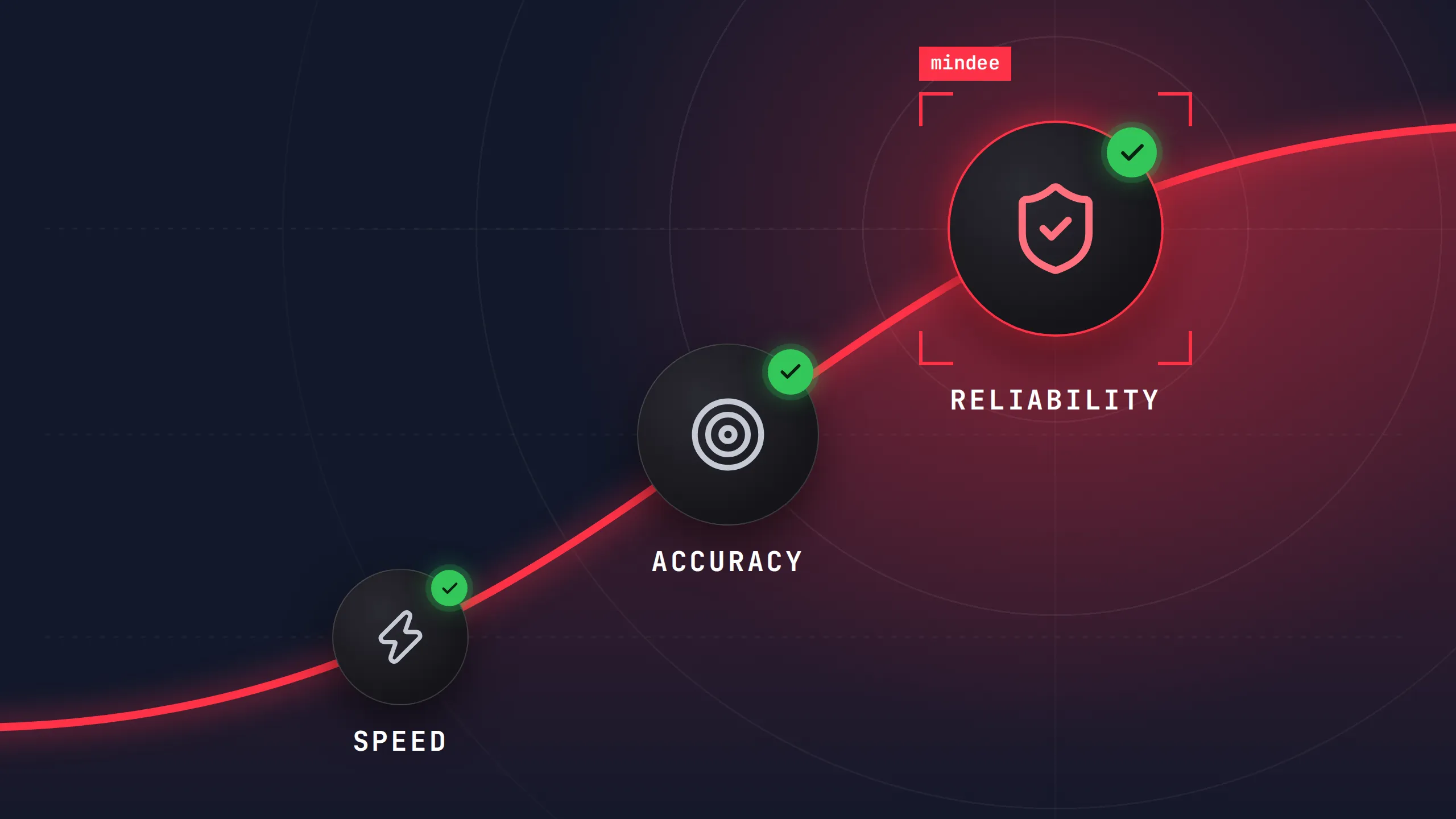
Table of Contents

The snapshot
Your data schema is the single biggest lever you control on extraction quality. The same document, sent to the same model, can return clean data or a mess depending on how your fields are named, typed and described.
The good news: most gains come from simple, repeatable tweaks. Below are the practices that matter most, grouped by the three outcomes you care about: accuracy, speed and reliability. At the end, we'll show how Mindee's Auto-optimize feature applies the most impactful of them for you.
Accuracy: make every field impossible to misread
Most extraction errors are not model errors. They come from fields that leave room for interpretation.
1. Name fields explicitly
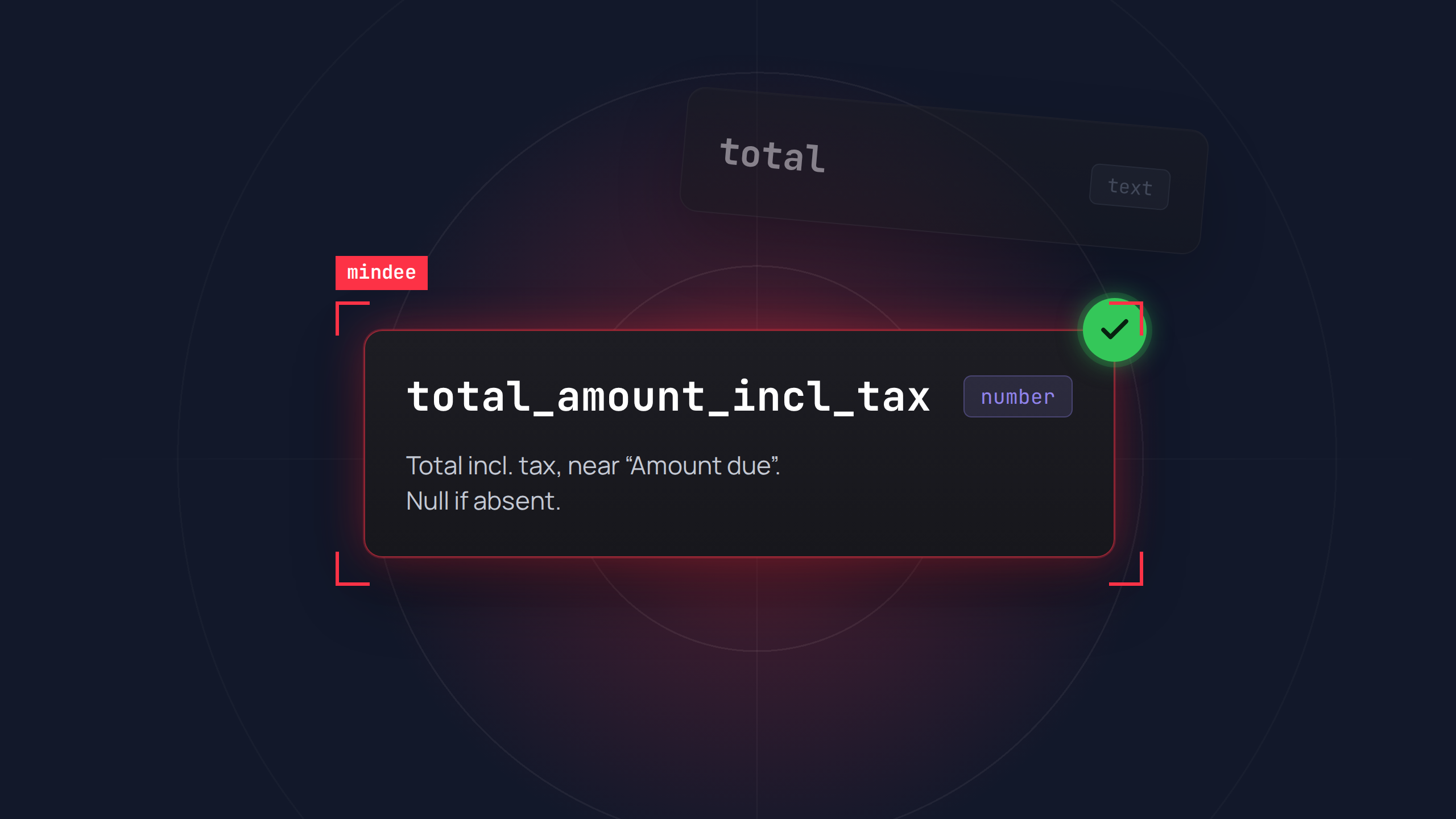
total is ambiguous; total_amount_incl_tax is not. Field names carry a lot of meaning for the model, so pick one convention (snake_case, in English) and use it across all your schemas.
2. Write a real description for every field
This is often the most powerful lever. A good description answers four questions:
- What does the field represent?
- Where does it usually appear on the document?
- Which labels or synonyms might it go by ("Amount due", "Total TTC", "Net à payer")?
- What should be returned when it is missing?
For example: Total amount including tax, usually at the bottom of the invoice near "Amount due". Do not confuse with the subtotal before tax. Return null if absent.
3. Use strict types
Prefer date, number, boolean or enum over free text wherever you can. Types constrain the output and make automatic validation possible. For closed sets (document type, currency, payment method), an enum with well-defined values beats a string every time.
4. Normalize formats
ISO 8601 for dates, ISO 4217 for currencies, a dot as decimal separator, no spaces in identifiers like IBAN or VAT numbers. You'll save a lot of cleanup downstream.
5. Disambiguate look-alike fields
Supplier vs. customer, billing vs. shipping address, issue date vs. due date: these pairs are classic sources of errors. Name them distinctly and say in each description what sets them apart.
6. Extract raw values, compute later
Avoid asking for derived fields such as a recalculated total or an inferred tax amount. Extract what is printed on the document and do the math in your code. It's more reliable and easier to test.
7. Structure tables carefully
For line items, define one object per row with clear sub-fields (description, quantity, unit price, amount), and explain how to handle edge cases: multi-line rows, intermediate subtotals, discounts.
Speed: only ask for what you need
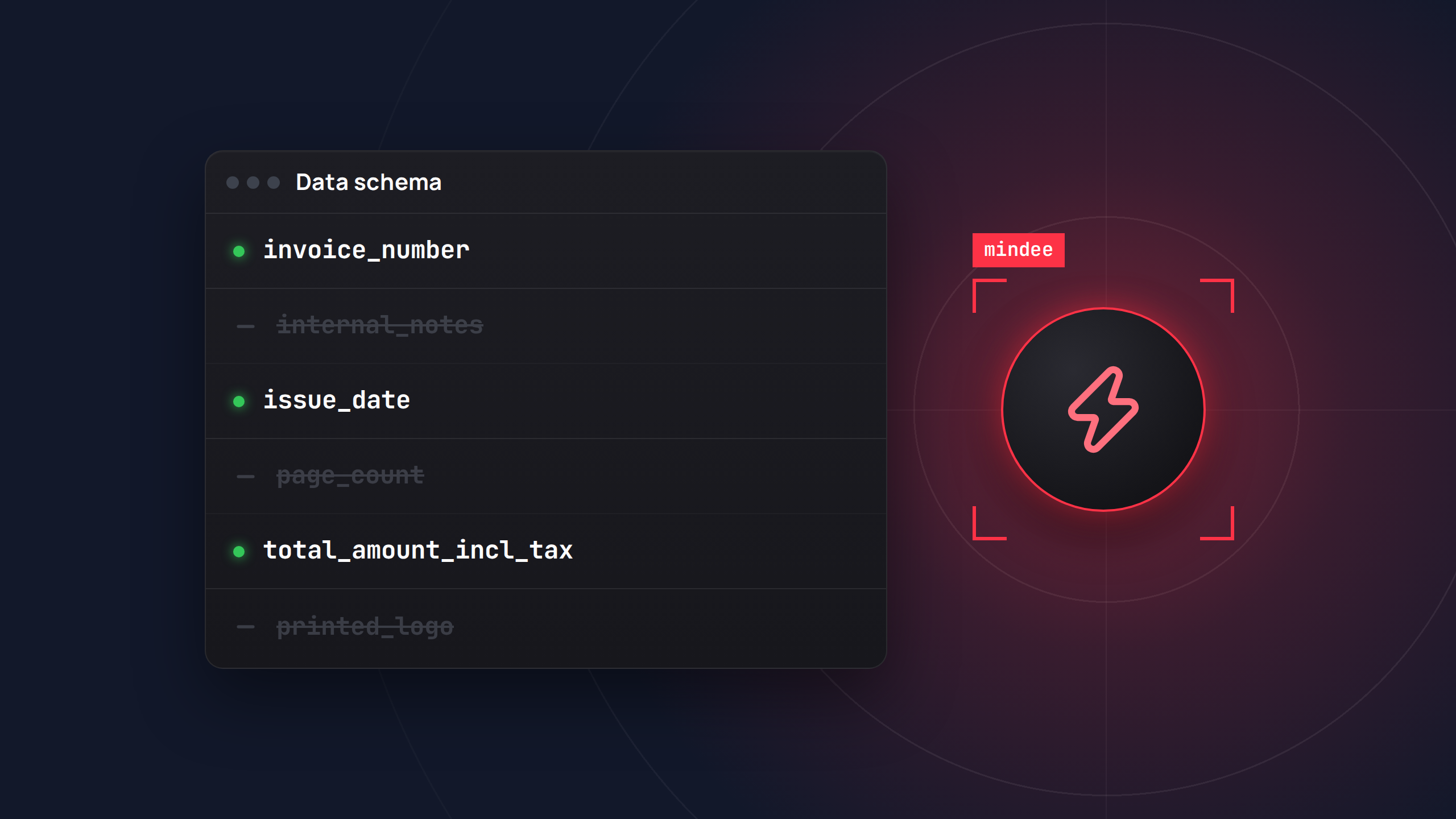
Every field you add costs processing time and adds a chance of error. Lean schemas are faster schemas.
8. Cut unused fields
If no downstream system consumes a field, remove it.
9. One schema per document type
A catch-all schema covering invoices, receipts and purchase orders is slower and less accurate. Classify first, then apply a lean, specialized schema to each document type.
10. Keep the structure flat.
Deep nesting costs latency and accuracy. Only nest when the data truly requires it, as with line items.
11. Turn off options you don't use
Confidence scores, polygons, raw text and RAG all have a cost. Enable only what your application actually relies on.
12. Send less
If the information always sits on page 1, send page 1. Crop, compress sensibly, and avoid sending 50 pages when 2 matter.
13. Pick the right call mode
At volume, favor asynchronous processing with webhooks over polling, and parallelize your requests.
Reliability: measure, validate, iterate
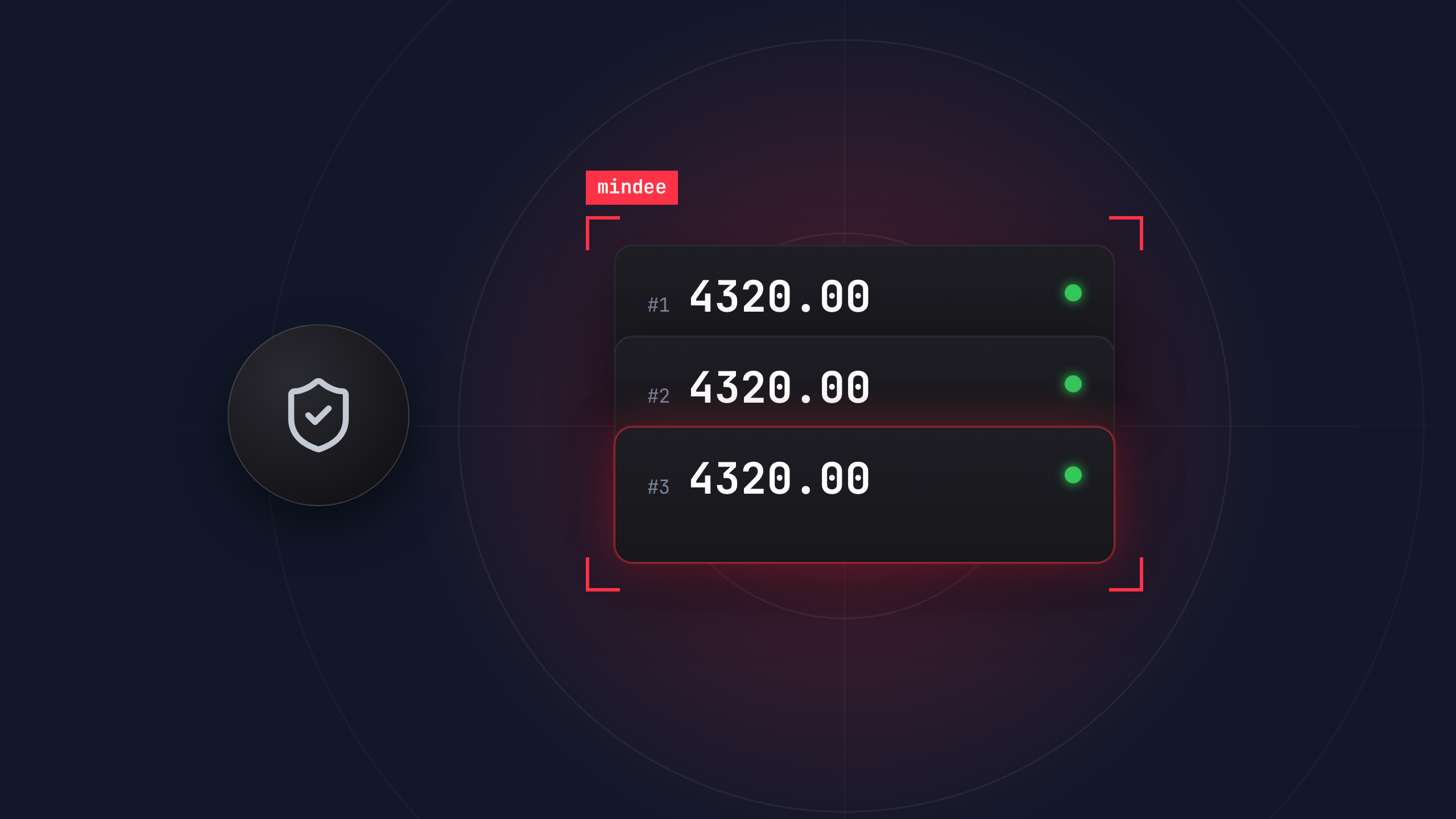
A schema that works on ten sample documents is not a schema that works in production. Reliability comes from testing and guardrails.
14. Build a labeled test set
Make it representative of production: poor scans, multi-page files, several languages, varied layouts. It's the only way to know whether a schema change actually helps.
15. Measure field by field
A 95% overall accuracy can hide one field stuck at 60%. Per-field tracking tells you exactly which description to rework.
16. Change one thing at a time
Edit a description, rerun the test set, compare. Version your schemas like code.
17. Make fields nullable
Forcing a field to be required pushes the model to invent a value when the information simply isn't there.
18. Add business validation rules
Simple checks catch most residual errors:
- IBAN or VAT number checksums
- Sum of line items equals the subtotal, and subtotal plus tax equals the total
- Due date after issue date
- Values within plausible ranges
19. Use confidence scores for human-in-the-loop
Auto-approve above a threshold, route to human review below it, and calibrate that threshold on your test set.
20. Keep your output contract stable
Avoid renaming fields once in production. Add new fields and phase out old ones gradually so downstream integrations never break.
21. Watch for drift
Documents change over time: new suppliers, new layouts. Sample production regularly to catch accuracy drops before they become a problem.
Let Mindee do the heavy lifting: Auto-optimize data schema
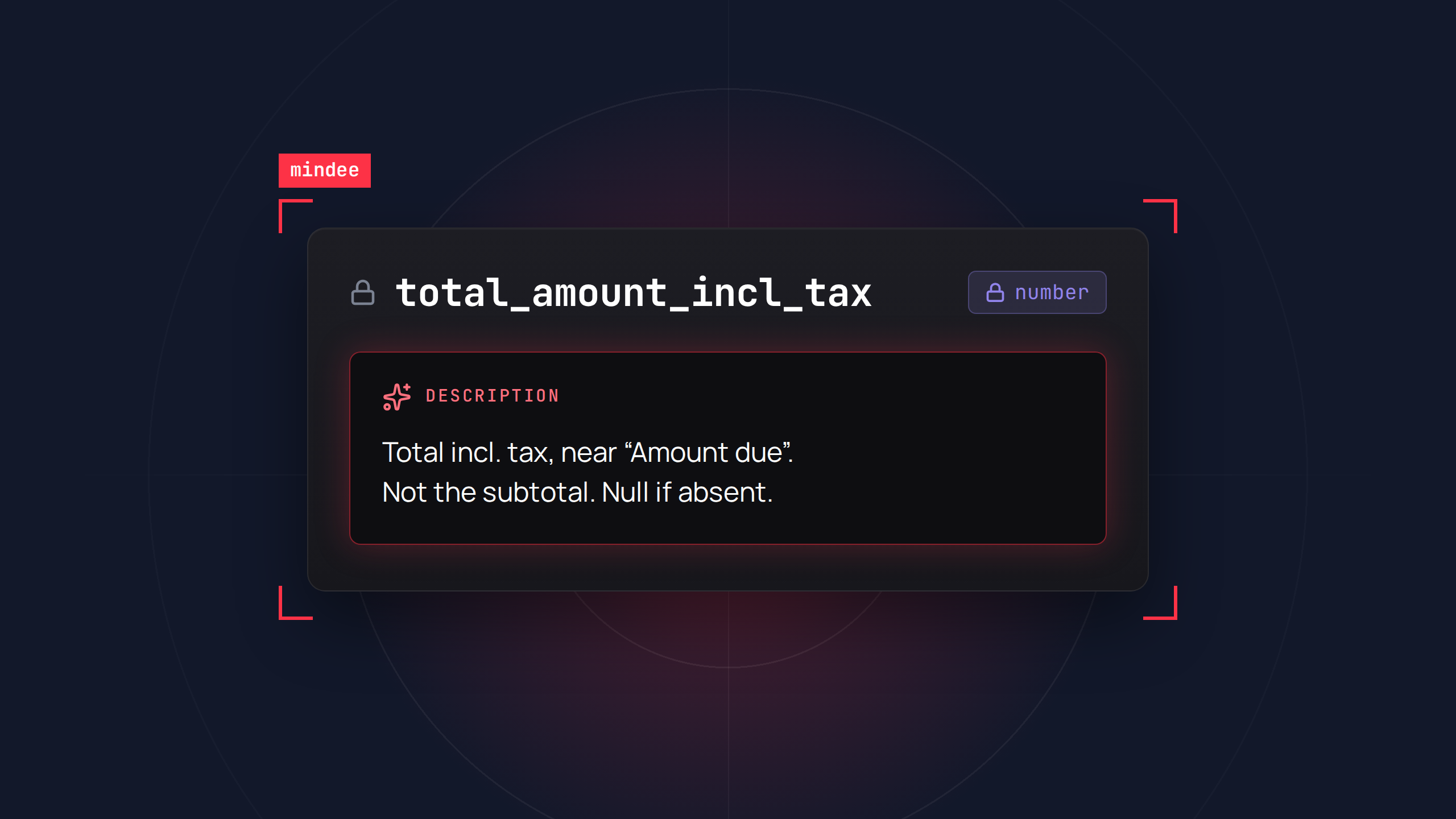
Writing precise descriptions and guidelines for every field is the most effective lever above, and also the most time-consuming. That's exactly what Auto-optimize data schema takes off your hands.
Auto-optimize rewrites your schema's guidelines and field descriptions to make them clearer and more precise. It works on the layer that has the most impact on extraction performance, and only on that layer.
This is what makes it safe to use on a schema already in production. Your output contract stays exactly the same, so your parsers, mappings and downstream integrations keep working. You get the performance gains without a breaking change.
It also fits the reliability practices above. Run your test set before and after optimization, compare results field by field, and keep the version that performs best.
Get started
A high-performing schema is explicit, lean and tested: clear names and types for accuracy, only the fields you need for speed, and a test set plus validation rules for reliability. Start with your descriptions, the highest-impact change, and let Auto-optimize handle them for you.
Try Auto-optimize data schema on your next model in the Mindee platform.

About

.svg)
.webp)

.webp)
.webp)