

Invoice OCR API


4.8/5
(30+ reviews)
Invoice OCR API that reads every line, in any layout
Turn any supplier invoice, PDF, scan or phone photo, into structured JSON in seconds. Header fields, taxes and every line item, with a confidence score on each value. No templates to build, no rules to maintain.
No credit card required
SOC 2 Type II & GDPR
Trusted by finance and product teams at




Why invoice data is so hard to automate
Every supplier sends a different layout. Template-based OCR breaks on the first new one, so the invoice lands back on someone's desk to be keyed, checked and re-checked.
Invoice arrives
By email, portal or post, as PDF, scan or photo.
Manual keying
Header fields, taxes and each line typed by hand.
Friction
A new supplier means a new layout to learn.
PO matching
Lines compared to the purchase order and receipt
Friction
Line items are where typos and mismatches hide.
Approval
Exceptions bounce between AP and budget owners
Friction
Errors surface late, after the due date slips.
Posted to ERP
Finally booked, days after it arrived.
Every invoice field you need, as structured JSON
Hover a group to see where it lands in the response. Every value comes back typed, normalised and located on the page.
See fields list
Supplier
supplier_name, supplier_address, supplier_company_registration, supplier_email
Invoice
invoice_number, date, due_date, po_number, locale
Amount
total_net, total_tax, total_amount, taxes[rate, base]
Customer
customer_name, customer_address, customer_id
Line items
description, quantity, unit_price, tax_rate, total_amount
Payment
iban, swift, account_number, routing_number
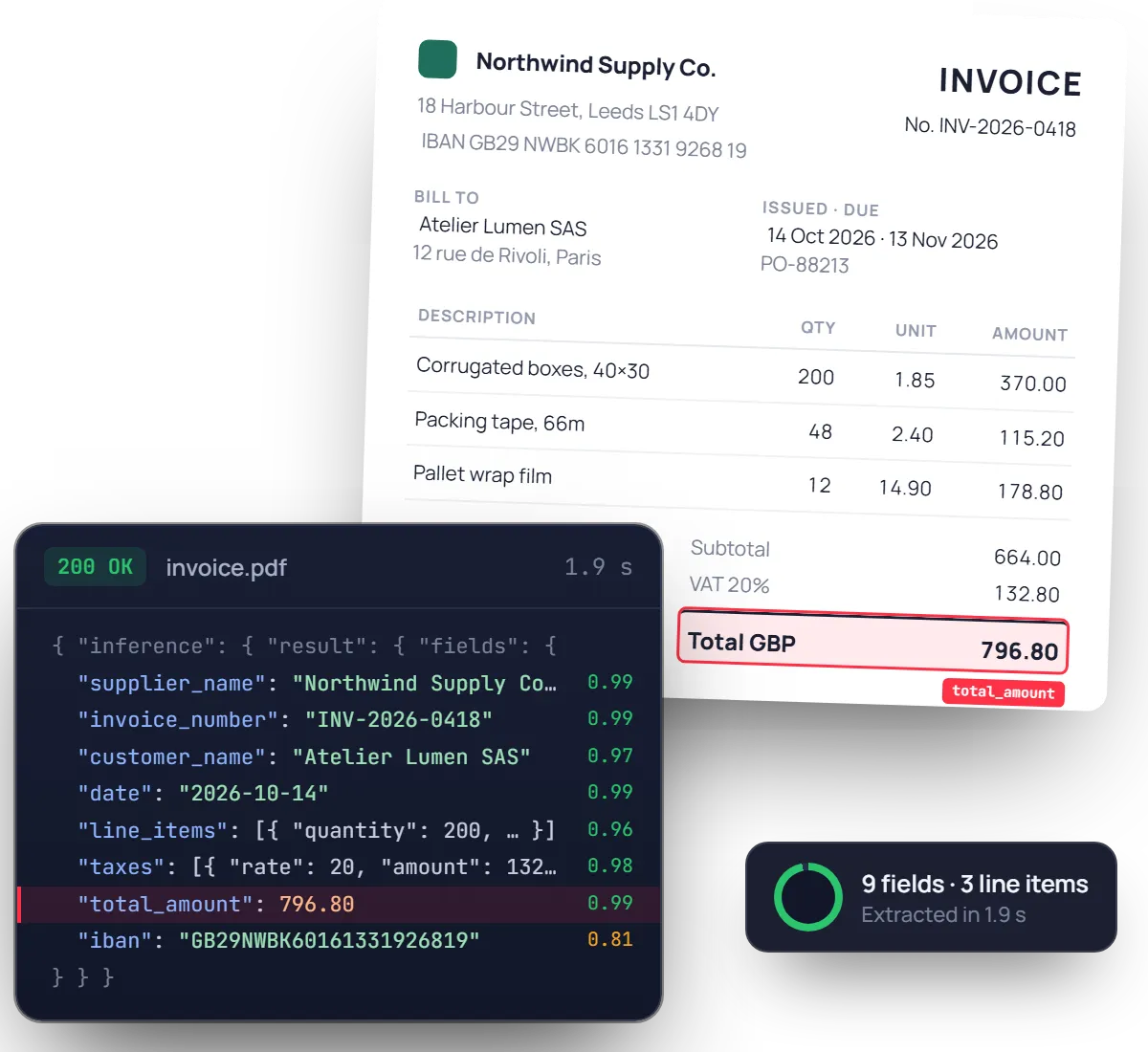
{
"supplier_name": { "value": "Northwind Supply Co." },
"invoice_number": { "value": "INV-2026-0418" }, "date": { "value": "2026-10-14" }, "due_date": { "value": "2026-11-13" },
"total_net": { "value": 664.00 }, "total_amount": { "value": 796.80 }, "taxes": [{ "rate": 20, "base": 664.00, "amount": 132.80 }],
"customer_name": { "value": "Atelier Lumen SAS" },
"line_items": [ { "description": "Corrugated boxes, 40×30", "quantity": 200, "unit_price": 1.85, "total_amount": 370.00 }, … 2 more ],
"supplier_payment_details": [{ "iban": "GB29NWBK60161331926819" }]
}
Ready to post, not just to read.
Dates come back in ISO 8601, amounts as numbers, and every field carries a confidence score and its position on the page.
Built for real-world invoices, not perfect PDFs
Crumpled photos, 12-page statements, tables that wrap across pages. The model was trained on the invoices your suppliers actually send.
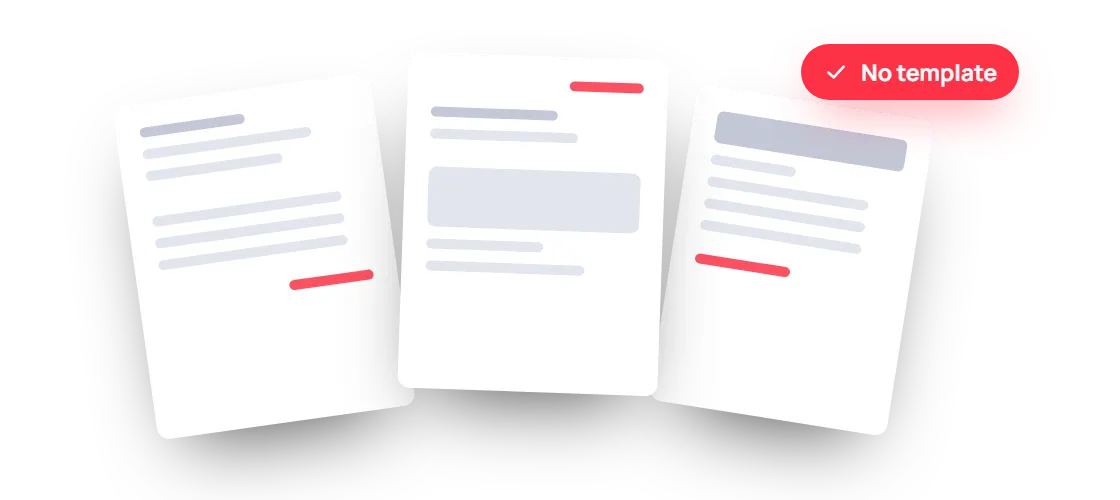
Any layout, from day one
A supplier you have never seen before is read as well as your top ten. Nothing to configure when a new vendor shows up.
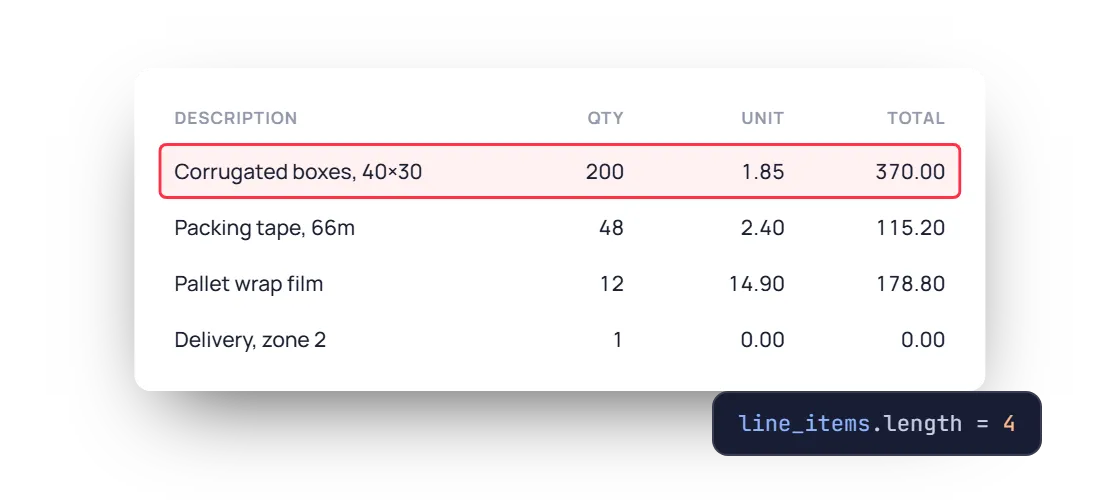
Every row, structured
Line items come back as an array with description, quantity, unit price and tax rate, even when the table spans several pages.
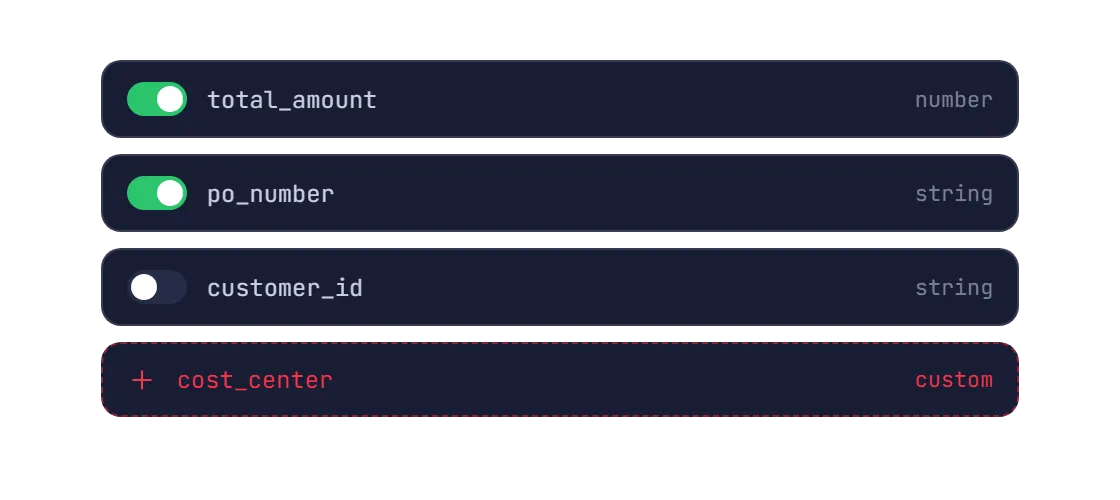
A schema shaped like your ERP
Keep the fields you need, switch off the rest and add your own, like a cost centre or a project code, without retraining anything.
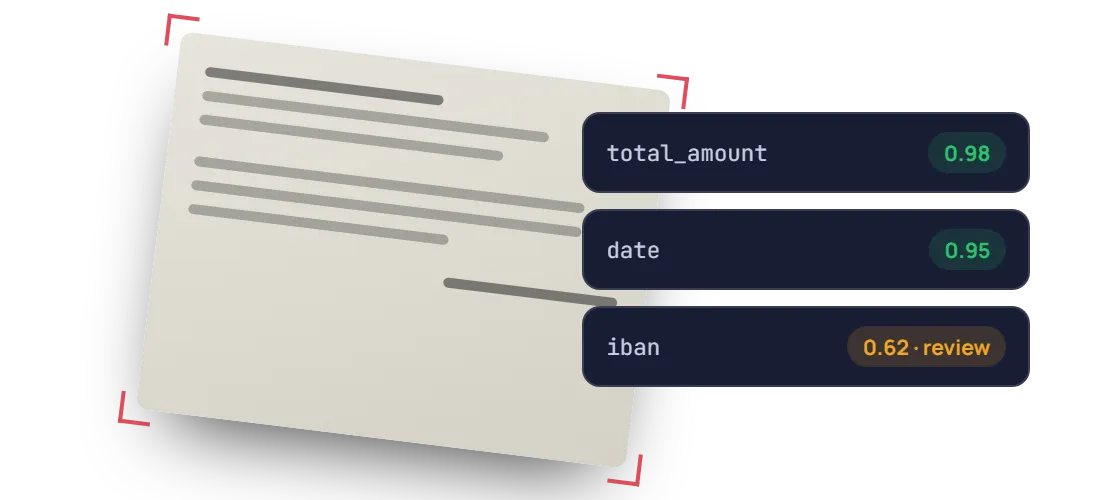
Scans and photos, with a safety net
Skewed, low-light or folded, it still reads. Low-confidence values are flagged so a human checks only what needs checking.
PDF / JPEG / PNG / WEBP / TIFF / HEIC, Multi-page invoices, +50 languages / any currency, Phone photos & scans, Handwritten annotations
Invoice OCR accuracy you can measure, field by field
Measured on real customer invoices, not curated samples. Run the same benchmark on your own documents during the free trial.
96.1%
Field-level accuracy on header fields
Supplier, dates, totals, taxes
98.2%
Accuracy on line items
Description, quantity, unit price
0.9s
Median time per invoice
Single page, synchronous call
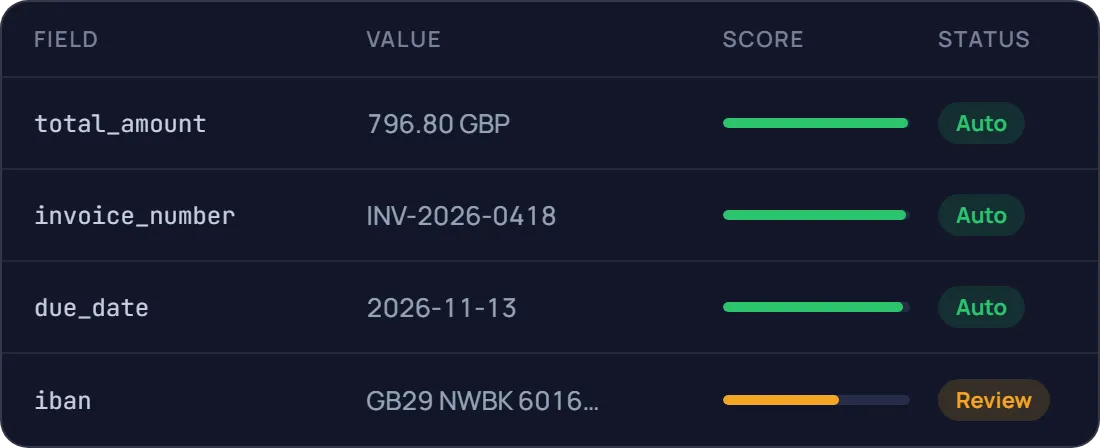
A confidence score on every field
Send only real exceptions to a human
Document AI features, better than OCR
Prepare, classify and extract. Mindee delivers high-accuracy extraction for every document format, so you can automate workflows with speed and high reliability.
Data extractor
Classifier
Splitter
Edge detector
Pull the exact fields you need from any document
Pick a ready-made model or describe your own data schema. Every value comes back typed, normalised, located on the page and scored.
- Prebuilt models or your own custom schema
- Tables and line items, across pages
Know what each document is before you read it
The classifier labels every upload with your own classes, so an ID card goes to onboarding and an invoice goes to accounts payable.
- Your own document classes
- Route each type to the right model
One scanned batch in, separate documents out
Send a long PDF from the office scanner. Mindee finds where each document starts and ends, and returns them one by one.
- Page ranges for every detected document
- Up to 200 pages and 100 MB per file
Several documents on one photo? Each gets its own crop
Users photograph three receipts on a desk, or both sides of an ID. Mindee detects each border, returns its coordinates and reads them separately.
- Coordinates for every detected document
- Built for mobile capture flows
Prototype in minutes, go live with the API
Step 1 : Prototype
Run a proof of concept in Make, Zapier or n8n
No code, no IT ticket. Point a mailbox at Mindee and watch the data arrive in a spreadsheet.
.svg)
Invoice received
Gmail or Outlook attachment

Mindee extracts the invoice
Supplier, totals, taxes, line items

Row added to your sheet or ERP
Google Sheets, QuickBooks, Xero…

Low-confidence fields sent for review
Slack or email alert to your team
Step 2 : Production
Integrate the API into your platform
Official SDKs, typed responses and webhooks for async processing. Most teams ship the integration in a day.
mindee docs
$ pip install mindee

Your app

Mindee API
Your ERP/CRM
.webp)
Integrate Mindee into your workflow in minutes with SDKs & no-code tools
Go live in minutes using our verified Zapier & Make.com app with zero coding, or integrate seamlessly via our well-documented REST API built for developers. SDKs available for Python, .NET, Node.JS, Java, Ruby, PHP.
Integrations

Enterprise-grade security
Our API has a SOC 2 Type II certified infrastructure and is GDPR Compliant to ensure your file information remains protected at all times.
.svg)
EU or US hosting available
.svg)
GDPR, CCPA Compliant
Learn more
What teams build with invoice OCR
The same API powers very different products. Here is where it usually starts.
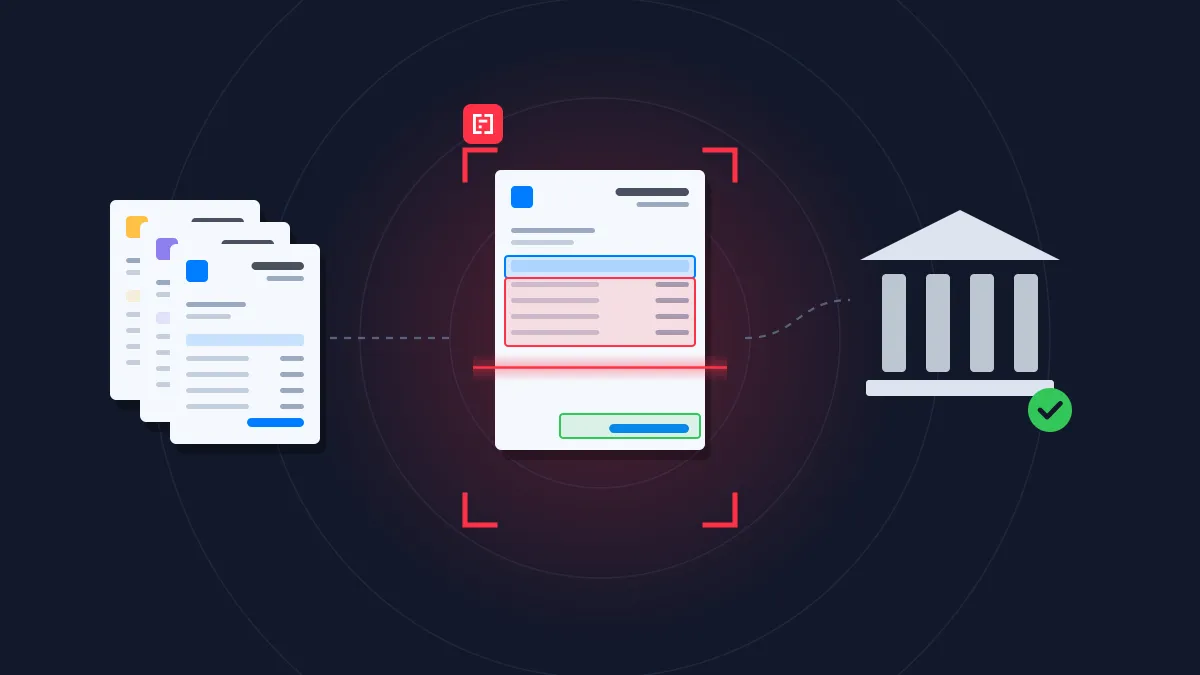
Finance & Accounting
Accounts payable
Extract, match and post supplier invoices without manual data entry.
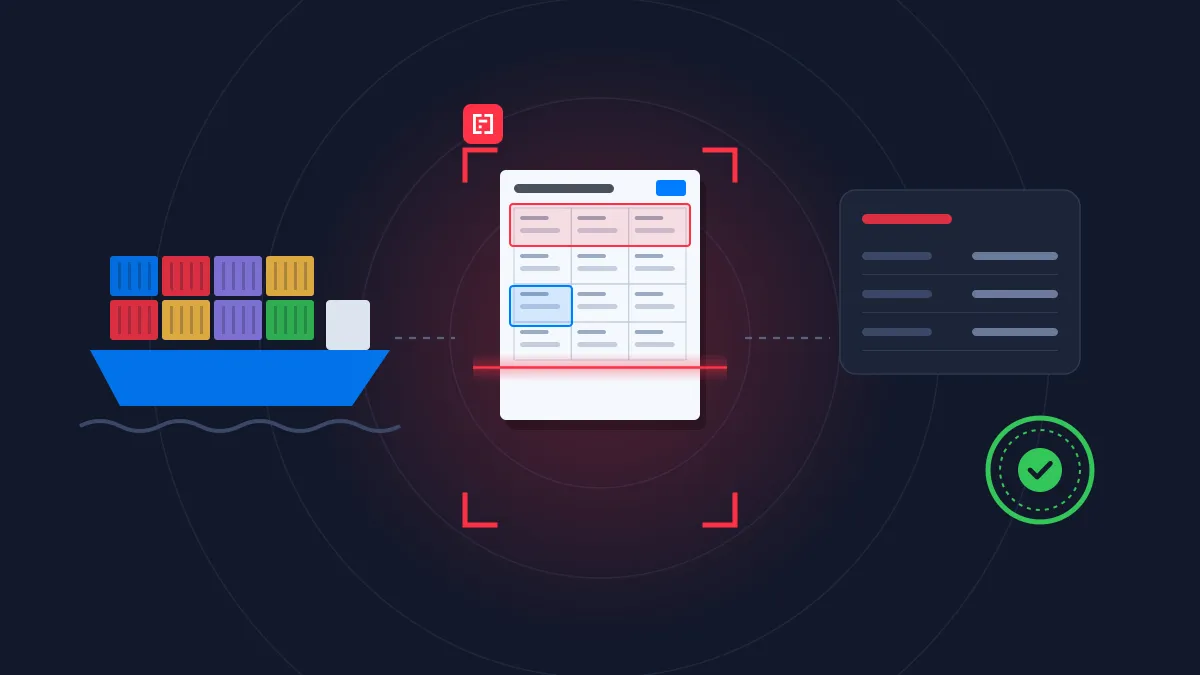
Logistics
Customs clearance
Capture shipping and customs data across every document of a shipment.
Finance & Accounting
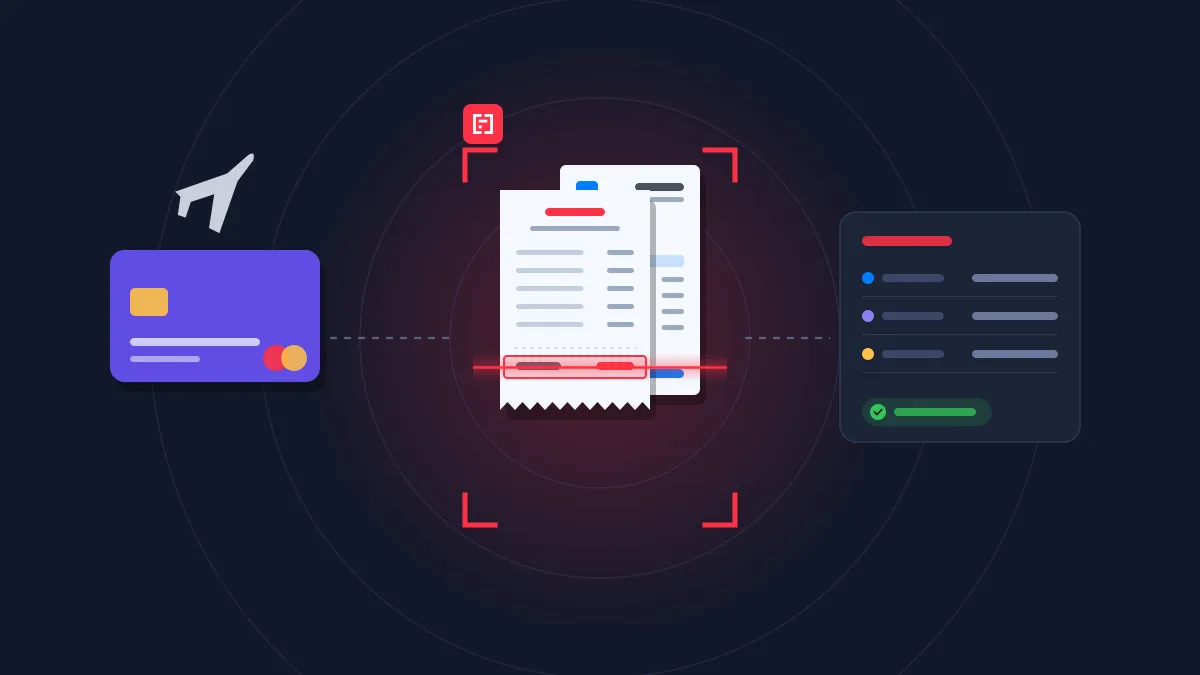
Expense management
Turn receipts and invoices into expense lines, ready to approve and reimburse
Insurance
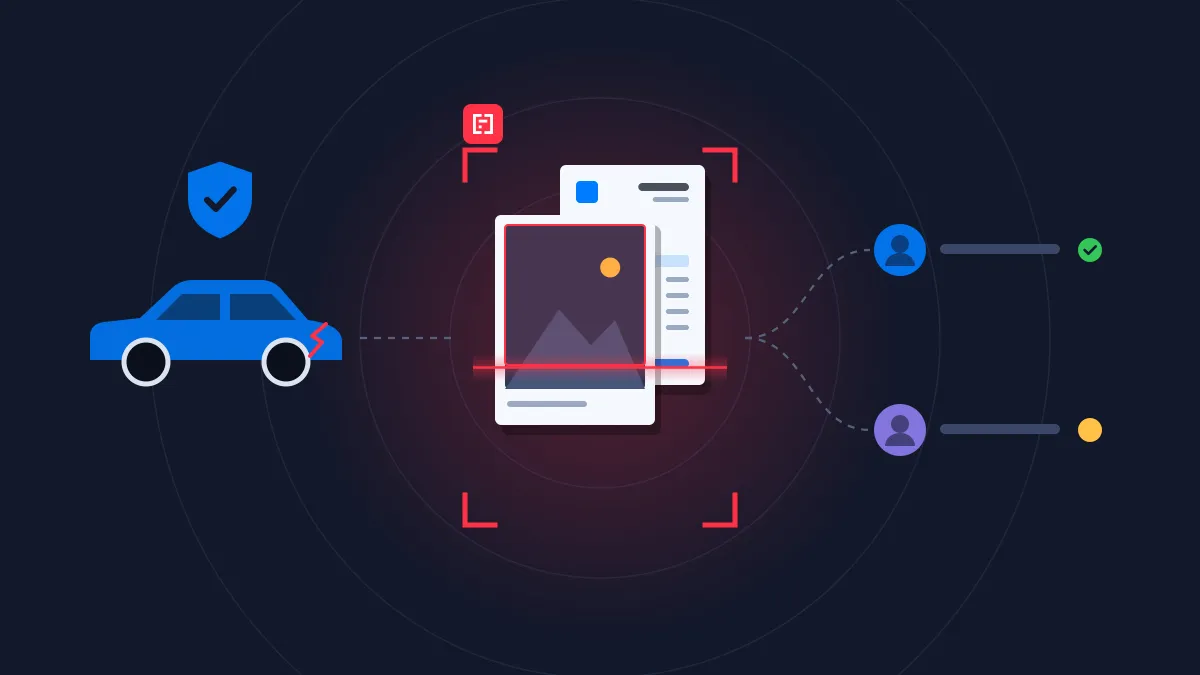
Claim management
Read the documents attached to each claim and route the file to the right handler.
Rated 4.8/5 by developers and finance teams
4.8
.svg)
.svg)
on G2
4.9
on Capterra

Mindee is an integrated document processing platform backed by reliable AI technology. The service has an intuitive and user-friendly interface and provides highly accurate results extracting data from various document types, especially financial receipts and invoices, which are relatively complex for efficient data extraction and automation.
Amar A.
Mindee is an integrated document processing platform backed by reliable AI technology. The service has an intuitive and user-friendly interface and provides highly accurate results extracting data from various document types, especially financial receipts and invoices, which are relatively complex for efficient data extraction and automation.
Amar A.
Excellent. In addition to their great product, the sales team has always been proactive on how they could help us leverage the maximum results from their product. It was like having an additional product manager on our side

Jeff B.
Mindee is a software that helps us to convert all of our physical business data like bills, invoices, warranty cards, calendar, recipts received to us into a digital documents that can be stored in our drive and can be uploaded in different type of Excel sheets so that all the updates can be maintained and a proper analytics of transactions can be kept by the financial team
Shiv K.



FAQ about Mindee's Invoice OCR API
Can't find what you're looking for? Our team answers within one business day.
How accurate is invoice OCR on line items?
Each value comes with a confidence score, so you can measure accuracy on your own invoices and decide what goes straight through and what goes to review.
Can Mindee extract VAT and tax amounts from invoices ?
Yes. Mindee returns the total net amount, the total tax and the total amount as separate fields, along with a tax breakdown by rate (rate, taxable base and tax value) when several VAT rates appear on the same invoice.
Each value comes with a confidence score. Your team can therefore automatically approve invoices where totals reconcile (net + tax = total) and send only inconsistent ones to manual review. This is especially useful for VAT recovery and multi-rate invoices common in the EU.
What’s the difference between invoice OCR and using an LLM like ChatGPT ?
General-purpose LLMs can read an invoice, but they aren’t built for production document processing. Their output can change from one run to the next, they sometimes “hallucinate” plausible but wrong values (a total that doesn’t exist, a mixed-up date), and they don’t tell you how reliable each field is.
Mindee is purpose-built for this task. It always returns the same structured JSON schema, it gives a confidence score for every field, and it provides the position of each value on the page so it can be verified. This makes extraction predictable, auditable and easy to automate. Mindee is also faster and more cost-effective at high volume, because you don’t need prompt engineering or output parsing. You can check our Mindee vs LLMs comparison.
Does it work with invoices from different countries, languages and currencies ?
Yes. Mindee can support invoices from suppliers worldwide, so it handles different layouts, languages, date formats and number formats (1,234.56 vs 1.234,56) without any templates or configuration.
Amounts are returned as normalized numbers, together with the detected currency code, so you can feed them directly into your ERP or accounting system. Supplier details such as company registration and VAT numbers are also extracted, which makes it easier to match invoices to vendors across countries.
How can I automate invoice data extraction end to end?
A typical workflow has four steps. Invoices arrive by email, upload or scan. They are then sent to the Mindee API, either through an SDK (Python, Node.js, Java, .NET…) or through a no-code tool like Zapier, Make or n8n. Mindee returns structured JSON in a few seconds. Fields above your confidence threshold are pushed straight to your ERP, and low-confidence fields are routed to a person for review. Most teams start with a no-code prototype in an afternoon, then move to the API for production volume.
About Mindee
Is my data secured and protected during the conversion process?
Yes, your data is highly secured and protected during the entire conversion process. As an enterprise-grade OCR solution, Mindee takes data privacy very seriously. Here are the key security measures in place:
- Certified compliance: Mindee's infrastructure is SOC 2 Type II certified and fully GDPR compliant, ensuring strict industry standards for data protection.
- Encryption: All documents and extracted data are fully encrypted both in transit (during the API call) and at rest.
- Data localization: You have control over where your data is processed, with the option to host and process your data on either EU or US servers.
- Strict privacy: Mindee respects data confidentiality. Your processed documents are not shared with third parties, and your private data is not used to train global AI models.
In short, your sensitive documents are processed in a secure, isolated environment and remain completely under your control.
Is Mindee's OCR API free to use?
We provide a 14 days free trial so you can fully test any of our OCR models — no credit card required. After this, we offer different pricing tiers depending of the volume of pages processed and the features you might need. See the pricing page for more information.
What file formats are supported for JSON conversion?
The supported document formats are:
- PDF (
application/pdf) – While technically a document format rather than an image, it is natively supported for all extraction models. - JPEG / JPG (
image/jpeg) - PNG (
image/png) – Must be non-animated. - WebP (
image/webp) - TIFF / TIF (
image/tiff) – Both single-page and multi-page TIFFs are supported and processed similarly to PDFs. - HEIC (
image/heic) – Apple's High-Efficiency Image Container format.
📌 Important technical limitations to keep in mind:
To ensure the OCR pipeline runs smoothly and successfully returns your JSON, make sure your files adhere to the following constraints:
- Maximum file size: 100 MB per file.
- Maximum page count: Up to 200 pages per document.
- File state: The files cannot be encrypted, and PDFs must not be password-protected.
Ready to stop typing invoices by hand?
Send your first invoice to the API in minutes, with a full team of engineers dedicated to document processing behind it.
14-day free trial
No credit card required