
.svg)
.svg)


Table of Contents

The snapshot
The "paperless office" is a 30-year-old lie. From logistics manifests scrawled on steering wheels to medical intake forms, millions of critical business documents are still handwritten every day. The bottleneck isn't getting these documents into a scanner; it is extracting the data reliably. If you build data pipelines at scale, you cannot rely on basic text conversion. You need to move beyond legacy Optical Character Recognition (OCR) to AI-driven Handwritten Text Recognition (HTR). This means upgrading from software that merely registers pixels to models that comprehend context and human stroke patterns.
Here is how the technology works, where it breaks, and how to implement it to digitize handwritten notes accurately.
Understand the shift from OCR to HTR Technology
Basic OCR fails at messy handwriting because it searches for uniform, typed fonts. HTR uses machine learning to infer context, language patterns, and irregular strokes.
Standard OCR technology operates on template matching. It expects a clean, perfectly formed "A". HTR evaluates the stroke sequence and the surrounding words. Take a rushed medical prescription as an example. Standard OCR might read a hastily written "l" as an "e", resulting in a gibberish output. An HTR model leverages contextual language data to identify the actual medical term accurately. You are upgrading from a system that reads individual pixels to a system that reads linguistic patterns.
Acknowledge the limitations of handwriting conversion
Even state-of-the-art AI struggles with overlapping text, extreme cursive, and poor scan quality.
Let's address the most obvious objection: 100% accuracy on handwritten documents is mathematically impossible. Overlapping ink, aggressive strike-throughs, and complex layouts, such as mixing ink to math equations next to standard text, inevitably degrade quality.
.webp)
The developer's solution isn't to chase absolute perfection, but to engineer around the margin of error. API confidence scores solve this bottleneck. The Mindee API gives a reliability rating (Low, High, or Certain) for every extracted field. Developers can automatically push data to their database when the AI is certain, while safely routing confusing or blurry scanned documents to a human operator for manual review.
.webp)
Follow step-by-step methods to digitize handwritten notes
The conversion method depends entirely on your processing volume, scaling from consumer mobile apps to enterprise-grade APIs.
For one-off tasks, consumer tools work well. A student or an individual professional can use Google Lens, the ChatGPT app, or an ink to text pen to turn handwritten notes into an editable document.
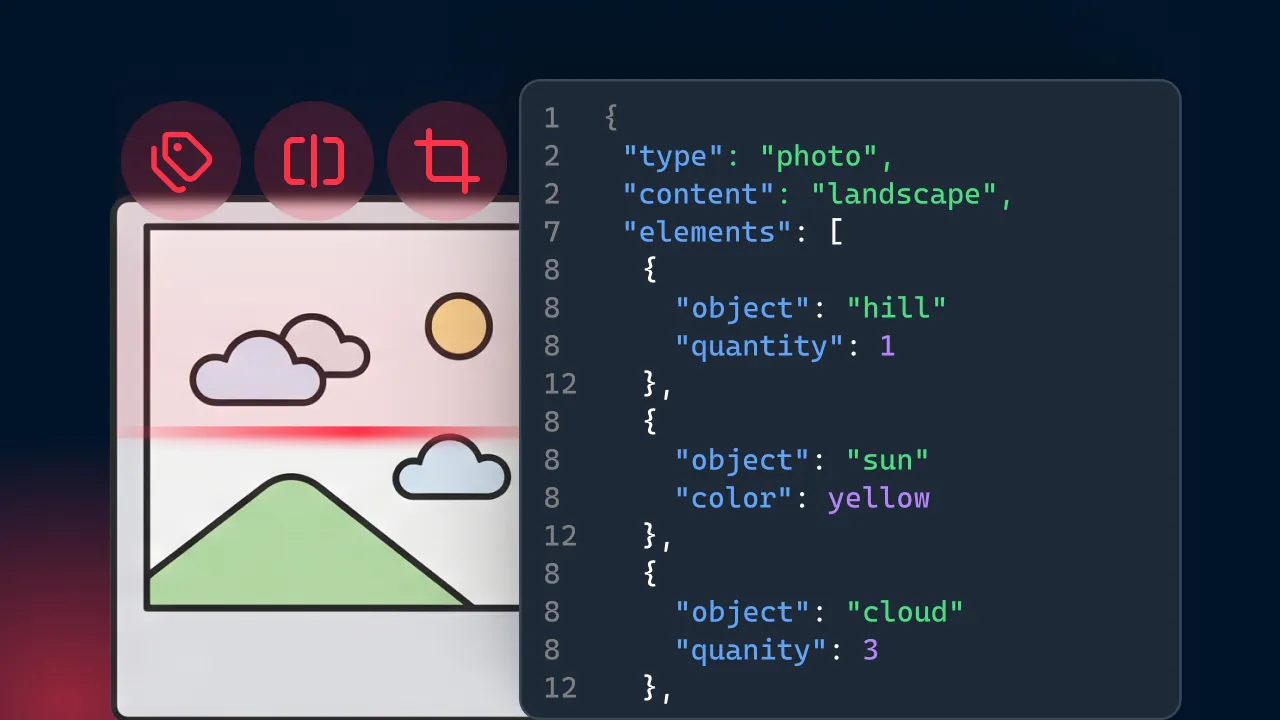
However, if you are a logistics firm processing 10,000 handwritten delivery receipts daily, mobile scanner apps fail. You need a headless, automated pipeline. Mindee is an AI-powered document parsing platform that provides developer-friendly APIs to automatically extract structured data from unstructured documents. Using the Extract product, you automatically pull structured data, including totals, taxes, dates, and table line items, from unstructured PDFs or photos. If you have a highly specific company form, you can create a custom extraction model. Just upload an invoice example, and you will be able to turn it into a JSON structured format. Teams integrate this directly into their codebase using official SDKs supported in Python, Node.js, Java, .NET, Ruby, and PHP.
{{cta-consideration-1="/in-progress/global-blog-elements"}}
Optimize source documents to improve conversion accuracy
Pre-processing and document hygiene are the highest-leverage actions you can take to boost AI extraction accuracy.
Garbage in, garbage out. If a human operator cannot read the scanned document, the AI will fail as well.
Before writing a single line of code, implement strict data capture rules in the field. Enforce lighting standards for camera captures, mandate high-contrast ink, and design structured form templates with dedicated, spaced-out boxes for characters to force uniform handwriting. Clean inputs drastically reduce the computing load and error rate of your OCR scanning pipeline.
Edit and format your converted text workflows
Conversion is only step one; your system must output an editable document that allows for seamless data formatting and rapid human correction.
You need a "human-in-the-loop" user interface where data entry clerks can overwrite errors or undo mistakes based on the original image. To build this effectively, you need the exact geometric coordinates of the text. The Mindee API does not just give you the extracted text. It provides the exact X/Y geometric coordinates (Polygons and Bounding Boxes) of where that text lives on the page. This allows you to build a user interface where a user can click a piece of data and see exactly where it was pulled from on the original image. Additionally, with RAG (Continuous Learning) features, when your team corrects a layout error once, the system remembers the correction and instantly applies it to similar documents in the future.
Verify device compatibility and supported languages
A robust HTR pipeline must account for the diverse operating systems and languages your global users rely on.
Do not get bottlenecked by local OS limitations, such as specific Windows input languages or KB5031455 updates. By relying on direct REST API HTTP calls, you offload the processing power to the cloud, making your architecture entirely OS-agnostic. Ensure your chosen tool supports the exact languages and alphabets native to your operations, especially if you handle cross-border logistics or international finance.
Final thoughts
Handwriting-to-text conversion bridges the physical-digital divide, turning unstructured ink into usable digital workflows.
When building these systems, do not just look for a transcription tool; aim for structured extraction. The true business value isn't turning a handwritten page into a giant block of unformatted text. It is about reliably pulling out key-value pairs directly into your database so your team can eliminate manual data entry and reduce processing latency by 80%
About

.svg)
.webp)

.webp)
.webp)