

Bank Check OCR API


4.8/5
(30+ reviews)
Bank check OCR API that reads every check, printed or handwritten
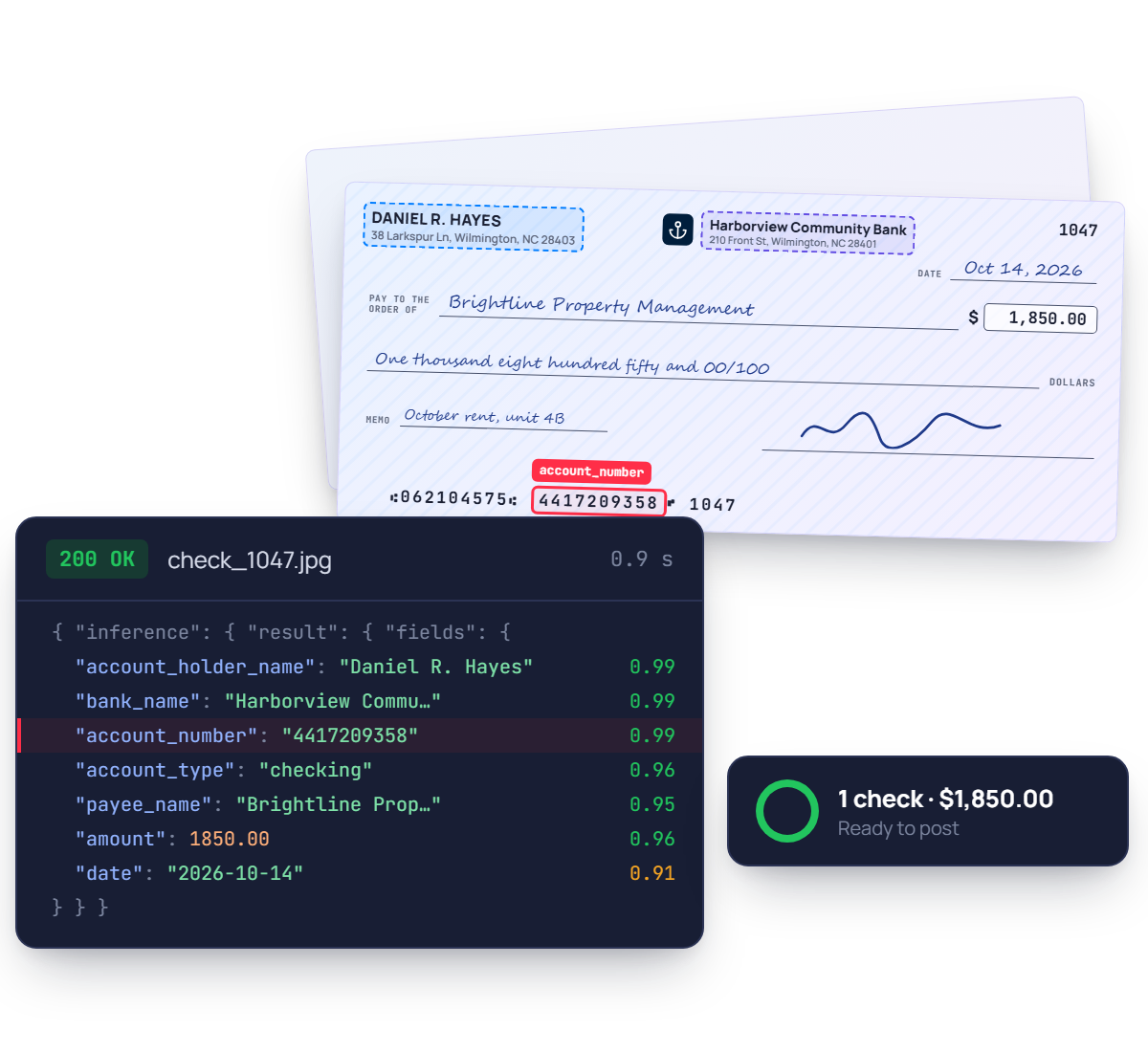
Turn scanned or photographed checks into structured JSON. Account holder, bank and account number, plus the payee, date and amount you add to your schema, each with a confidence score.
No credit card required
SOC 2 Type II & GDPR
Trusted by finance and product teams at




Why check payments still take so long to post
Every bank prints its own check design, and payers fill them in by hand. Teams key the amount, payee and account details, match each check to an invoice, then file the scan.
Checks received
Payments arrive by mail or through a lockbox.
Manual keying
Amount, payee and account typed by hand.
Friction
Handwritten amounts invite misreads.
Matching
Each check matched to an open invoice.
Friction
Unmatched payments sit in a suspense account.
Second review
Amounts and signatures checked again.
Friction
Every check waits for a second pair of eyes.
Payment posted
Finally recorded, one check at a time.
Every bank check field you need, as structured JSON
Hover a group to see where it lands in the response. Every value comes back typed, normalised and located on the page.
See fields list
Account holder
account_holder_name
Bank
bank_name, bic
Branch address
branch_address.street, city, state, postal_code, country
Account
account_number, account_type, iban
Payment
payee_name, amount (added to your schema)
Check details
check_number, date, memo (added to your schema)
{
"account_holder_name": { "value": "Daniel R. Hayes" },
"bank_name": { "value": "Harborview Community Bank" },
"branch_address": { "street": { "value": "210 Front St" }, "city": { "value": "Wilmington" }, "state": { "value": "NC" } },
"account_number": { "value": "4417209358" }, "account_type": { "value": "checking" },
"payee_name": { "value": "Brightline Property Management" }, "amount": { "value": 1850.00 },
"check_number": { "value": "1047" }, "date": { "value": "2026-10-14" }, "memo": { "value": "October rent, unit 4B" },
}
Ready to post, not just to read.
Start from the bank check template and add amount, payee or check number to your schema. Amounts come back as numbers, each field with a confidence score.
Built for real checks, not specimen images
Ballpoint amounts, colored security backgrounds, stamps and endorsements, phone photos taken at an angle. The model reads what the payer wrote and flags what it is unsure of.

Any bank, any check design
Personal and business checks come in every color, logo and layout. The same schema comes back for all of them, with no template to build per bank.

Account details from a voided check
Read the holder, bank and account number from a voided check to set up direct deposit or vendor payments, without retyping a single digit.

Handwritten payee and amount
Add payee, date and amount to your schema. They come back typed even when written in ballpoint, each with a confidence score for review.

Several checks on one scan
Lay several checks on the scanner bed. Mindee detects and crops each one, then extracts it as its own document with its own result.
PDF / JPEG / PNG / WEBP / TIFF / HEIC, Personal & business checks, Handwritten amounts & payees, Mobile photos & scanner batches, Security backgrounds
Bank check OCR accuracy you can measure, field by field
Every field comes with a confidence score, so clean checks post straight away and unclear handwriting goes to a reviewer. Test it on your own checks in the free trial.
96.1%
Field-level accuracy on account details
Holder, bank, account number
92.7%
Accuracy on handwritten fields
Payee, date, amount
1.1s
Median time per check
Single image, synchronous call
A confidence score on every field
Send only real exceptions to a human

Document AI features, better than OCR
Prepare, classify and extract. Mindee delivers high-accuracy extraction for every document format, so you can automate workflows with speed and high reliability.
Data extractor
Classifier
Splitter
Edge detector
Pull the exact fields you need from any document
Pick a ready-made model or describe your own data schema. Every value comes back typed, normalised, located on the page and scored.
- Prebuilt models or your own custom schema
- Tables and line items, across pages
Know what each document is before you read it
The classifier labels every upload with your own classes, so an ID card goes to onboarding and an invoice goes to accounts payable.
- Your own document classes
- Route each type to the right model
One scanned batch in, separate documents out
Send a long PDF from the office scanner. Mindee finds where each document starts and ends, and returns them one by one.
- Page ranges for every detected document
- Up to 200 pages and 100 MB per file
Several documents on one photo? Each gets its own crop
Users photograph three receipts on a desk, or both sides of an ID. Mindee detects each border, returns its coordinates and reads them separately.
- Coordinates for every detected document
- Built for mobile capture flows
Prototype in minutes, go live with the API
Step 1 : Prototype
Run a proof of concept in Make, Zapier or n8n
No code, no IT ticket. Point a mailbox at Mindee and watch the data arrive in a spreadsheet.
.svg)
Check scanned
Lockbox, scanner or phone

Mindee reads the check
Holder, account, amount

Payment posted
Your ERP, AR tool or Sheets

Low-confidence fields sent for review
Slack or email alert to your team
Step 2 : Production
Integrate the API into your platform
Official SDKs, typed responses and webhooks for async processing. Most teams ship the integration in a day.
mindee docs
$ pip install mindee

Your app

Mindee API
Your ERP/CRM
.webp)
Integrate Mindee into your workflow in minutes with SDKs & no-code tools
Go live in minutes using our verified Zapier & Make.com app with zero coding, or integrate seamlessly via our well-documented REST API built for developers. SDKs available for Python, .NET, Node.JS, Java, Ruby, PHP.
Integrations

Enterprise-grade security
Our API has a SOC 2 Type II certified infrastructure and is GDPR Compliant to ensure your file information remains protected at all times.
.svg)
EU or US hosting available
.svg)
GDPR, CCPA Compliant
Learn more
What teams build with bank check OCR
The same API powers very different products. Here is where it usually starts.
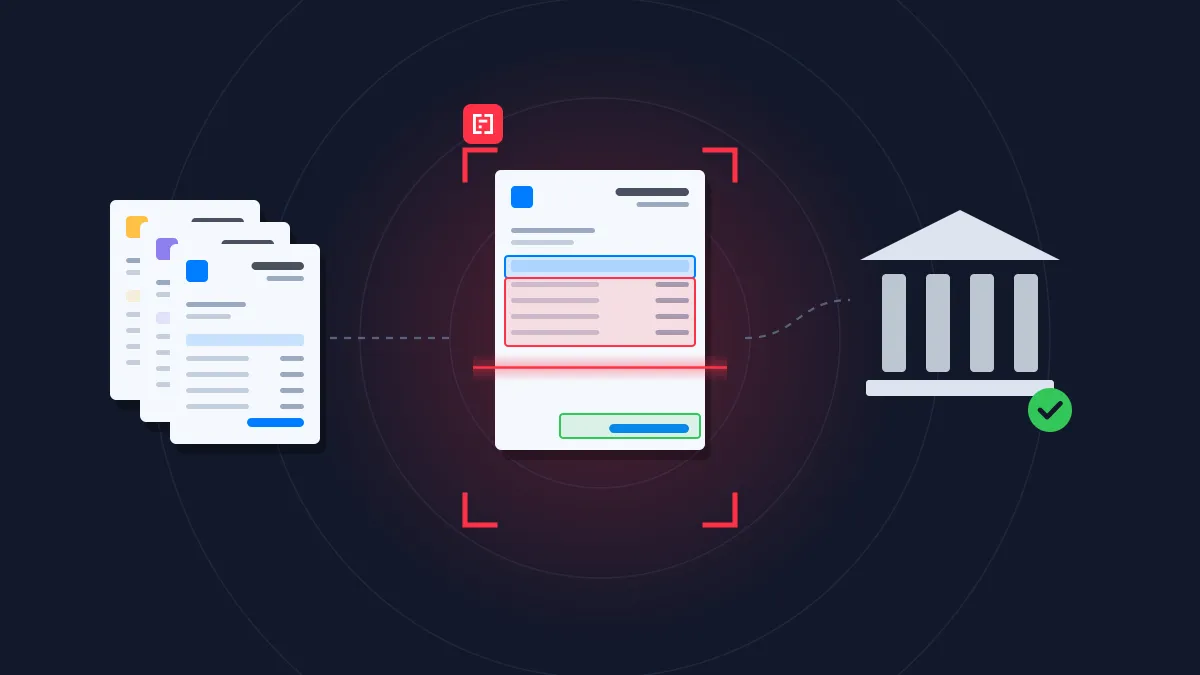
Finance & Accounting
Accounts payable
Extract, match and post supplier invoices without manual data entry.
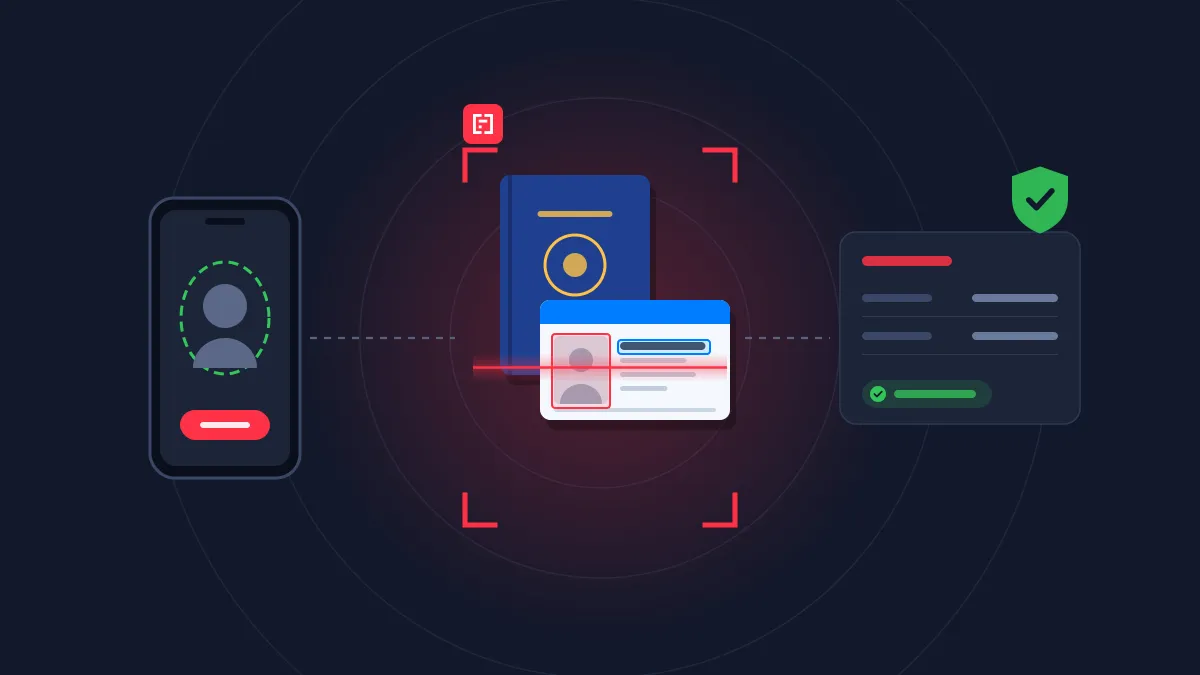
Banking & lending
Insurance
Customer onboarding/KYC
Verify identity and proof of address in real time, without slowing down sign-up.
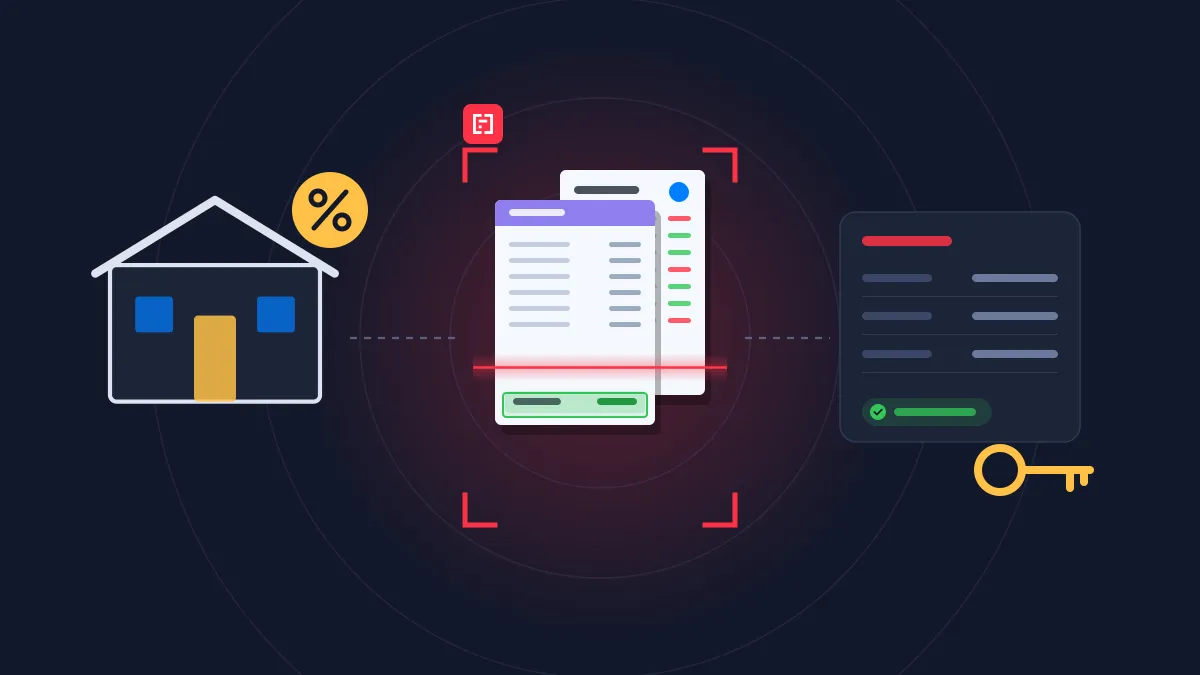
Banking & lending
Real estate
Loan requests
Pre-fill loan applications from payslips, tax returns and bank statements.
Rated 4.8/5 by developers and operations teams
4.8
.svg)
.svg)
on G2
4.9
on Capterra

Mindee is a software that helps us to convert all of our physical business data like bills, invoices, warranty cards, calendar, recipts received to us into a digital documents that can be stored in our drive and can be uploaded in different type of Excel sheets so that all the updates can be maintained and a proper analytics of transactions can be kept by the financial team
Shiv K.
Mindee is a software that helps us to convert all of our physical business data like bills, invoices, warranty cards, calendar, recipts received to us into a digital documents that can be stored in our drive and can be uploaded in different type of Excel sheets so that all the updates can be maintained and a proper analytics of transactions can be kept by the financial team
Shiv K.
Mindee works reliably and delivers good performance. The OCR data is accurate, and the API is stable. It works like a charm.

Manuel B.
I like the easiness and how to use it. Also the price model is very fair. Good with space for improvement
Simon




FAQ about Mindee's Bank Check OCR API
Can't find what you're looking for? Our team answers within one business day.
Where are the routing number and account number on a check?
They are printed in the line of numbers at the bottom of the check, called the MICR line. On US checks, the routing number is the 9-digit number on the left, framed by special symbols, and it identifies the bank. The account number usually comes next, in the middle, and the check number is on the right (it also appears in the top-right corner). The order can vary slightly, especially on business checks. Mindee reads the MICR line and returns the routing number, account number and check number as separate fields, with no risk of mixing them up.
How can a voided check be used to set up direct deposit?
Employers, payroll providers and companies paying suppliers often ask for a voided check to collect bank details for direct deposit. “VOID” is written across the check so it can’t be cashed, but the MICR line stays readable. Instead of having someone retype the numbers, which often causes payment errors, Mindee extracts the routing and account numbers, as well as the account holder’s name and the bank name, directly from a photo or scan. Because US routing numbers include a check digit, their format can also be validated automatically before the first payment.
How does mobile check deposit work, and can Mindee power it?
With mobile deposit, the customer takes a photo of the front and back of the check in their banking app, after signing the back and often writing “For mobile deposit only” with the bank name. The app then reads the check and sends the deposit for processing. Mindee extracts the key data from the image: the amount in figures and in words, the payee, the date, the MICR line and the check number. Banks, fintechs and payment apps can then automatically prefill the deposit, compare the two amounts, and ask the customer to retake the photo when a field is unclear.
Can Mindee help detect check fraud?
Mindee is not a forensic fraud detection tool, but structured data makes several key checks easy to automate. You can flag checks where the amount in figures doesn’t match the amount in words, where the payee name doesn’t match the account holder, where the date is in the future or more than six months old, and where the same check number from the same account has already been deposited, through a mobile app or in a branch. Checks that pass these controls are processed faster, and suspicious ones are sent for review before the funds are released.
About Mindee
Is my data secured and protected during the conversion process?
Yes, your data is highly secured and protected during the entire conversion process. As an enterprise-grade OCR solution, Mindee takes data privacy very seriously. Here are the key security measures in place:
- Certified compliance: Mindee's infrastructure is SOC 2 Type II certified and fully GDPR compliant, ensuring strict industry standards for data protection.
- Encryption: All documents and extracted data are fully encrypted both in transit (during the API call) and at rest.
- Data localization: You have control over where your data is processed, with the option to host and process your data on either EU or US servers.
- Strict privacy: Mindee respects data confidentiality. Your processed documents are not shared with third parties, and your private data is not used to train global AI models.
In short, your sensitive documents are processed in a secure, isolated environment and remain completely under your control.
Is Mindee's OCR API free to use?
We provide a 14 days free trial so you can fully test any of our OCR models — no credit card required. After this, we offer different pricing tiers depending of the volume of pages processed and the features you might need. See the pricing page for more information.
What file formats are supported for JSON conversion?
The supported document formats are:
- PDF (
application/pdf) – While technically a document format rather than an image, it is natively supported for all extraction models. - JPEG / JPG (
image/jpeg) - PNG (
image/png) – Must be non-animated. - WebP (
image/webp) - TIFF / TIF (
image/tiff) – Both single-page and multi-page TIFFs are supported and processed similarly to PDFs. - HEIC (
image/heic) – Apple's High-Efficiency Image Container format.
📌 Important technical limitations to keep in mind:
To ensure the OCR pipeline runs smoothly and successfully returns your JSON, make sure your files adhere to the following constraints:
- Maximum file size: 100 MB per file.
- Maximum page count: Up to 200 pages per document.
- File state: The files cannot be encrypted, and PDFs must not be password-protected.
Ready to stop keying checks by hand?
Send your first check to the API in minutes, with a full team of engineers dedicated to document processing behind it.
14-day free trial
No credit card required